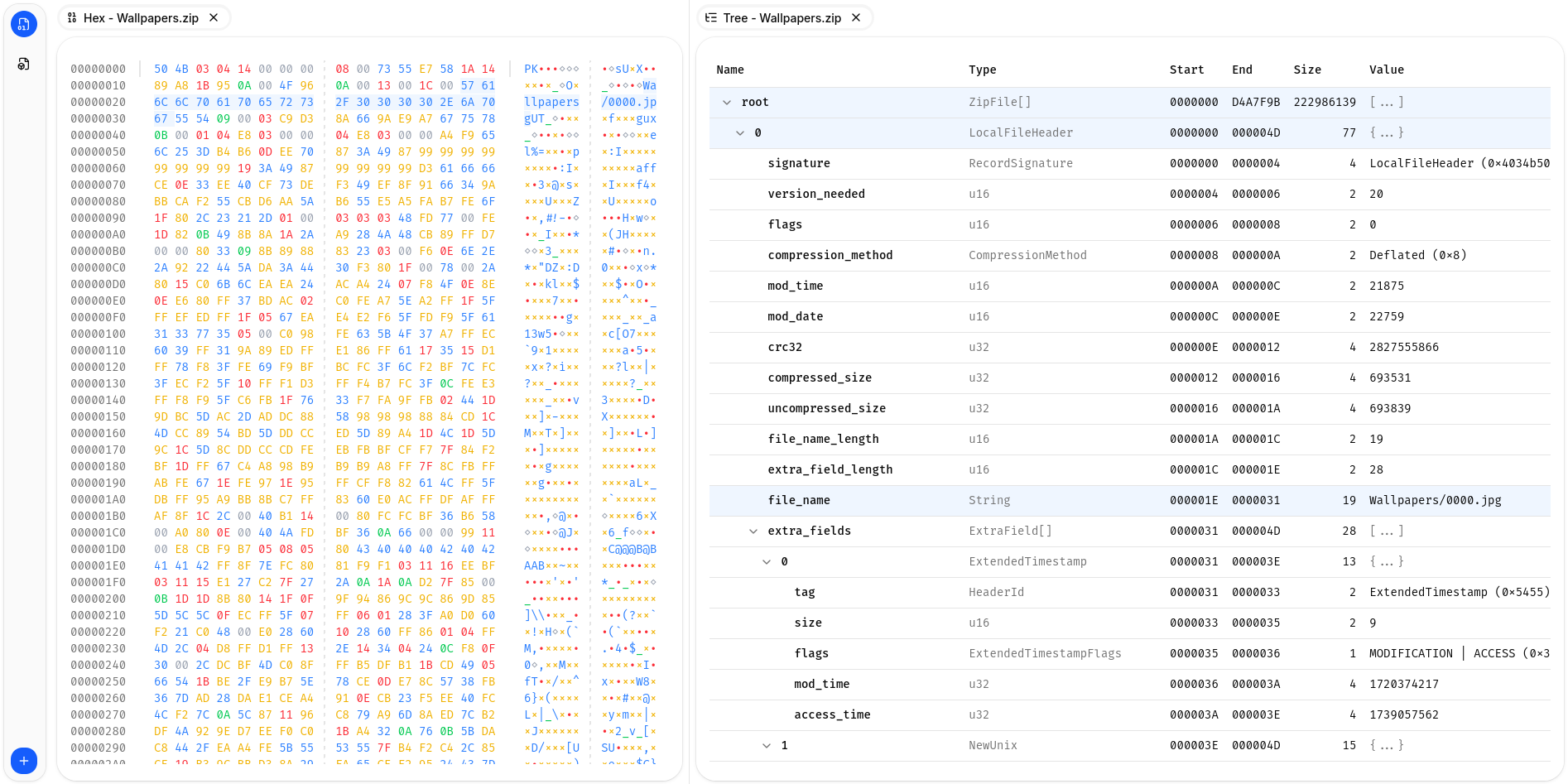
Novi is a structured data inspector and validation system. A core library built in Rust provides a unified interface for parsing many different data types into a unified structured format. Included with the core library is a validation system, allowing for user provided Lua scripts (or builtin ones) which are given the structured data and can perform arbitrary validations and tests on the data, producing a validation report highlighting any issues with the data. Several client applications are also included such as a CLI, Web, and Desktop interface, which all provide interactive interfaces for exploring the parsed structured data, and the validation reports.
Core Parsing
The core parsing library is the core of Novi handling the parsing of various
formats, supporting ELF, PNG, JPEG, MP4, etc. Being a library it can be easily
integrated into other applications or paired with other clients. Input data is
first transformed, using a chain of transformers, which allows for handling
compressed / encoded content seamlessly. The library provides a handler
structure for decoding data (the Decoder), which provides a robust and
flexible interface allowing for the decoding of complex data types, and the
decoder encapsulates all of the complex logic for converting data types and
storing data into the structured tree. The transformed data is passed to the
data format specific parser, which leverages the decoder to read the raw data
into a structured tree, while recording all of the metadata about each field
that was read.
The core parsing is intended to be extremely forgiving and robust. There should be very few cases that cause a parser to fail and they are more intended for marshaling the raw data into the defined structure. The checking if it is valid data (e.g. has reasonable values, or the right magic numbers, etc.) is left up to the validators. This allows for greater flexibility and improved support for parsing malformed or corrupted data.
Validation
An addition to the core parsing is the validation. Using an embedded Lua runtime, the Novi library can support validating the parsed structured tree. Each supported data format includes builtin validation, but users are also able to define or override with their own validations, by simply writing some simple Lua scripts. The validation generates a report with different messages which reference locations in the structured tree, making it easy through the clients to annotate the corresponding tree nodes with the validation warnings or errors.
Clients
The client applications are all designed to be agnostic to the data format being parsed. The core library and validation handles all of the particularities of each given format, and by the time the client interacts with the data it is a generic structured tree and validation report. This makes it very easy to add support for new formats, since nothing needs to change in any of the clients to support it.
Web
The web client compiles the rust library into web assembly to be able to run all of the parsing and validation client side in the web browser directly. And uses react and typescript for the interface. It provides a clear interface for loading new files, and viewing the structured tree of the parsed data.
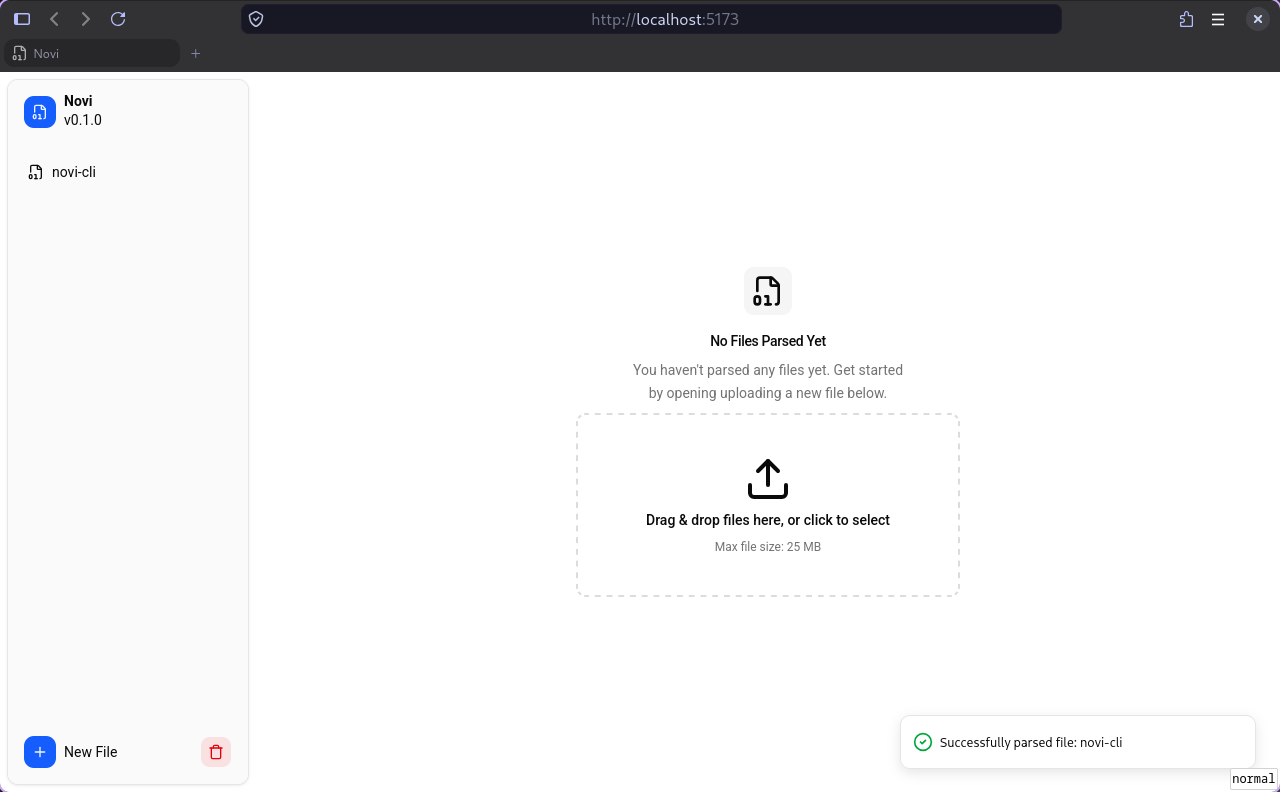
The frontend interface is written using typescript and react, and using shadcn/ui for the frontend theming. Extending the philosophy of the core library, the interface aims to be robust and resilient to any potential issues. The web interface is the main interface new users are expected to use, so it is careful to include clear descriptions and follow standard design patterns so that new users can quickly and effectively onboard to using the tooling with a minimal learning curve for getting started.
The web interface is built with a dynamic tiling intrace at it’s core, allowing users to reposition, organize, and resize the hex view or tree view of any number of files however they wish
The web interface includes a linked selection, so you can feely selectin any field in the hex view, or the structured tree and it will highlight the corresponding fields in each panel for that buffer, making it trivially easy to associate the exact bytes that realate to a given field.
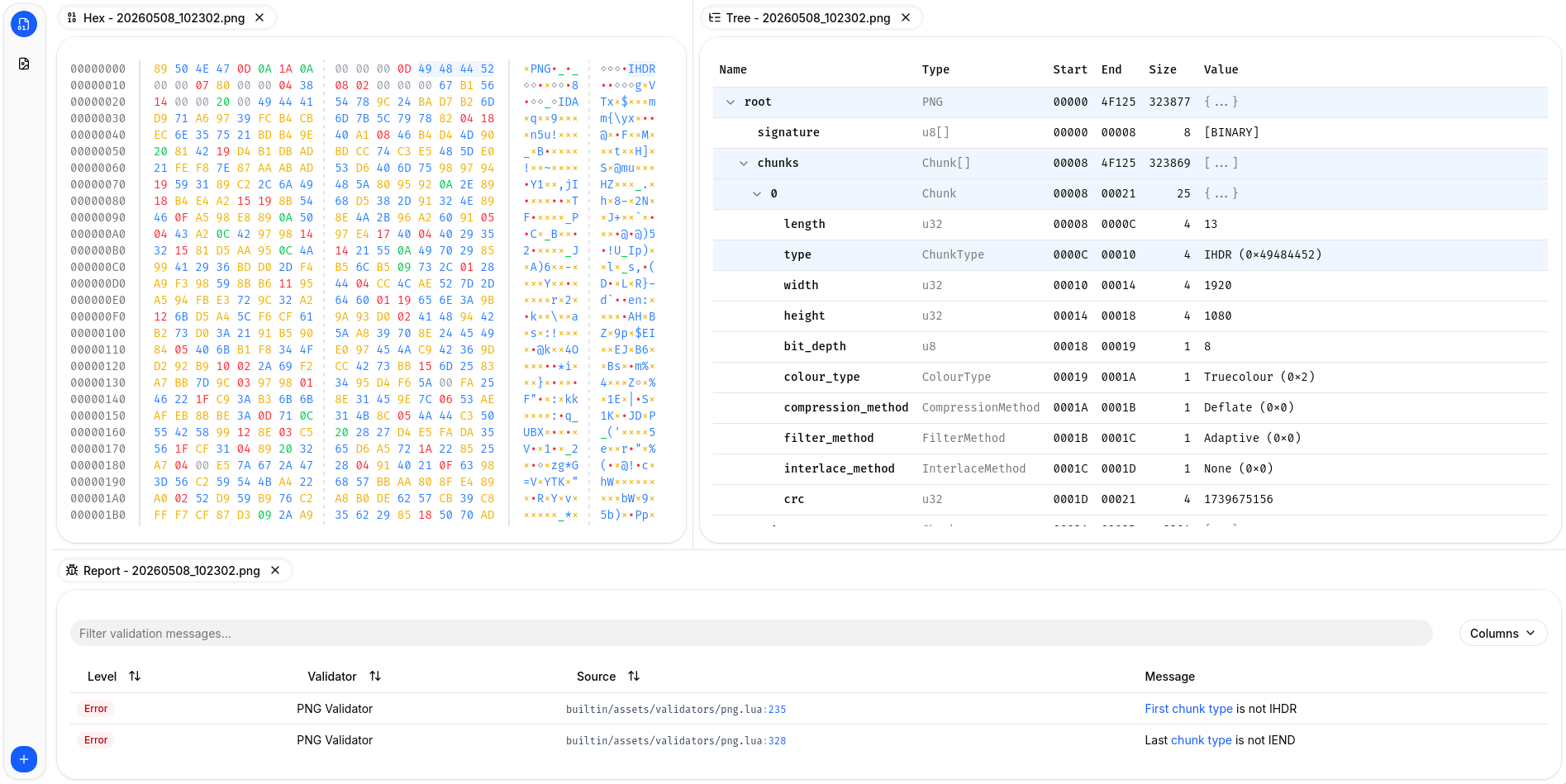
It also supports the bundled validations, which will be run on any file type that is supported and produce a table of validation messages, which link directly to the corresponding fields in three and hex view to highlight where the issue was found. Making debugging and diagnosing corrupted or invalid data trivally easy.
Due to the entier library running as a web assembly module in the browser, there are strict limits on the sizes of files that can be processed in order to limit the memory utilization needed to store the files in memory. This limitation is not present for the CLI or the future Desktop versions which have the ability to stream from disk.
Command Line Interface
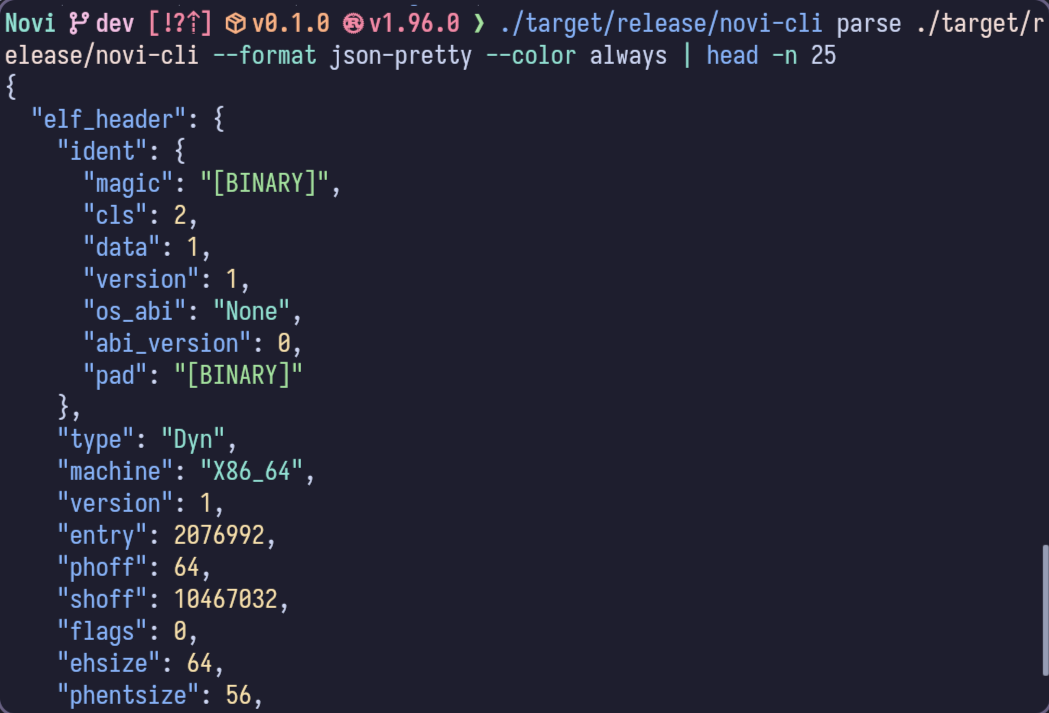
The Command Line Interface (CLI) acts as a power user client. It provides all of the features of the other clients (without the interactivity that other clients can provide), while aiming to be a slim wrapper around the library. It includes some additional power user focused features that are not available in the web client such as dynamically streaming content from files rather than needing to read it all into memory. This allows the CLI to parse significantly larger files than the web interface can currently handle.
Because the CLI client is a thin wrapper around the core library, it is a useful reference when implementing other clients, for a starting point to see how to integrate and leverage the library features to the fullest. The CLI client also provides useful hooks for more programmatic interaction. It supports outputting into machine readable formats (such as JSON or XML) which can then have further post processing applied as needed by the end user.
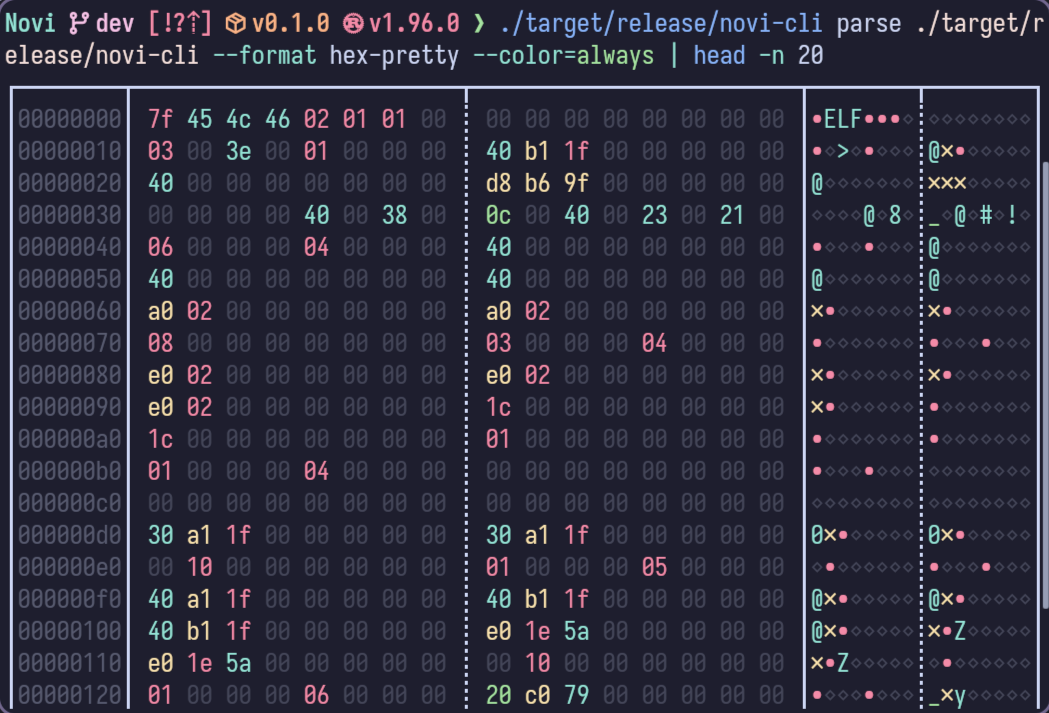
The CLI includes several builtin formatters for rendering the raw data as well as the parsed data tree, making it a useful tool for any of the users needs for inspecting their data, even if parsing failed it can still provide clear hex view of the data for manual inspection. And being directly in the command line it can be used on hosts that may not have a graphical interface for the desktop or web clients.